
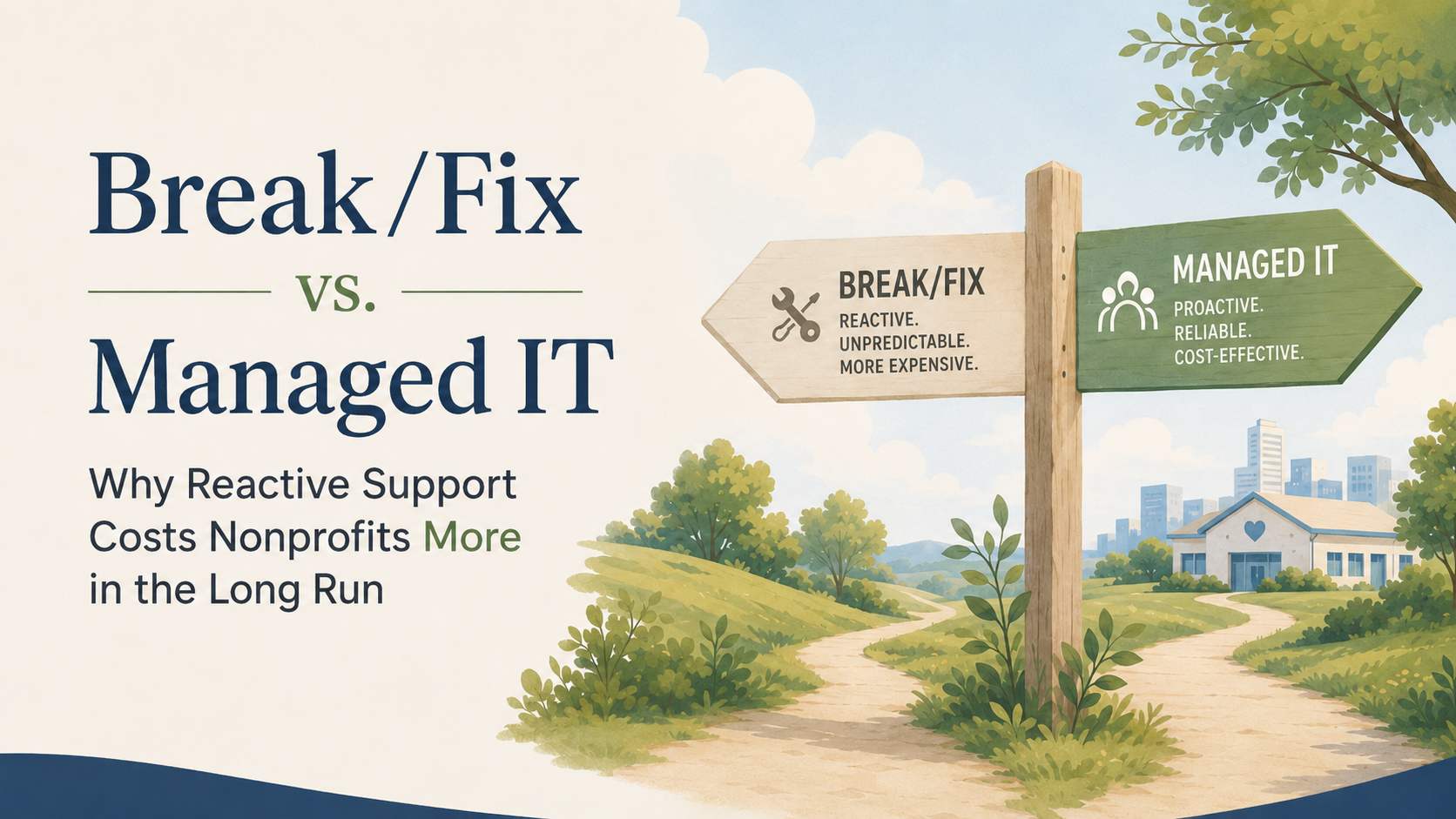
The pattern
Most organizations don't choose break/fix IT support. They fall into it. Someone's laptop dies, a colleague recommends a technician, and that technician becomes "our IT guy" by default. Nobody ever sits down and decides this is the right way to protect the business. The arrangement forms on its own, through a string of small emergencies.
The trouble is that this kind of support only shows up once something has already gone wrong. In any organization, where hours and dollars are both in short supply, that timing is the whole problem.
What break/fix actually looks like day to day
On paper, break/fix sounds simple. Something breaks, you call someone, they fix it, you pay for the visit. No contract, no monthly bill, no obligation. For a team watching every line of the budget, that can look like the more careful choice.
In practice, it looks like this. Your payment system goes down on the same day a big order is supposed to come through. A manager can't get into the shared drive an hour before a client call. Someone's laptop won't connect to the network, and nobody can tell if the problem is the laptop, the router, or the software. Each time, you're explaining the situation to someone new, waiting for a callback, and hoping whoever shows up understands your setup well enough to fix it quickly.
None of this is anyone's fault. It's what happens when IT support is built to react to emergencies rather than prevent them.
The cost that doesn't show up on the invoice
The bill for a break/fix visit is easy to see. What's harder to see is everything that happens around it. The proposal that goes out a day late because someone was locked out of files. The customer who doesn't come back because your site was down when they tried to check out. The meeting that turns into a troubleshooting session because nobody trusts the system enough to plan around it.
These costs are real, even though they never appear as a line item. They show up as lost time, missed deadlines, and a growing wariness around your own systems. And because break/fix support only shows up after something has already failed, it does nothing to stop the next failure from happening. You're not paying to avoid problems. You're paying to clean them up, one at a time, for as long as the arrangement continues.
There's a quieter cost too. Every time something breaks, someone on your team has to set aside their actual work to deal with technology instead. That cost is real even when it never shows up on an invoice.
What managed IT changes
Managed IT support starts from a different question. Instead of asking how to fix something now that it's broken, it asks how to keep it from breaking in the first place. That shift changes how technology feels across the organization.
With managed support, your systems are monitored on an ongoing basis, not just when someone notices a problem. Updates and security patches happen on a schedule, instead of piling up until something forces the issue. Backups run automatically, so a lost file or a failed hard drive becomes a minor delay instead of a crisis. And when something does need attention, the person responding already understands your setup, rather than starting from scratch.
The cost also becomes predictable. A flat monthly rate lets you budget for IT the same way you budget for rent or payroll, instead of treating it as an expense that shows up unannounced and always at an inconvenient time.
A quick comparison
For readers who want the short version, here's how the two approaches tend to differ in practice.
- When it helps: Break/fix helps only after something fails. Managed IT works to prevent the failure.
- Cost pattern: Break/fix costs are unpredictable and often arrive at the worst time. Managed IT costs are flat and easy to budget for.
- Response time: Break/fix means explaining your setup to someone new each time. Managed IT means a team who already knows it.
- Security: Break/fix leaves gaps until something forces a fix. Managed IT closes gaps on an ongoing basis, before they're exploited.
- Data protection: Break/fix backups are often manual or missing entirely. Managed IT includes automated backup and recovery from the start.
- Team impact: Break/fix pulls your people into troubleshooting. Managed IT keeps them working on what they were hired to do.
Making the shift without the overwhelm
If your organization has been running on break/fix for years, switching can feel like one more project to manage on top of everything else. It doesn't need to be. A good managed IT partner starts by learning your systems as they exist today, not by asking you to overhaul everything at once. The goal is to remove complexity from your week, not add to it.
You don't need deep technical knowledge to make this shift. You need a partner who can explain your options clearly enough that the decision is yours to make, not theirs to push.
Where this leaves you
Reactive IT support has a way of feeling normal simply because it's familiar. But familiar isn't the same as working well. If a system failure this year has cost you more than a repair bill, in time, in trust, or in a deal that didn't close, that's worth a closer look. Send us a note about what you're currently working with, and we'll tell you plainly whether managed support would actually change anything for you.