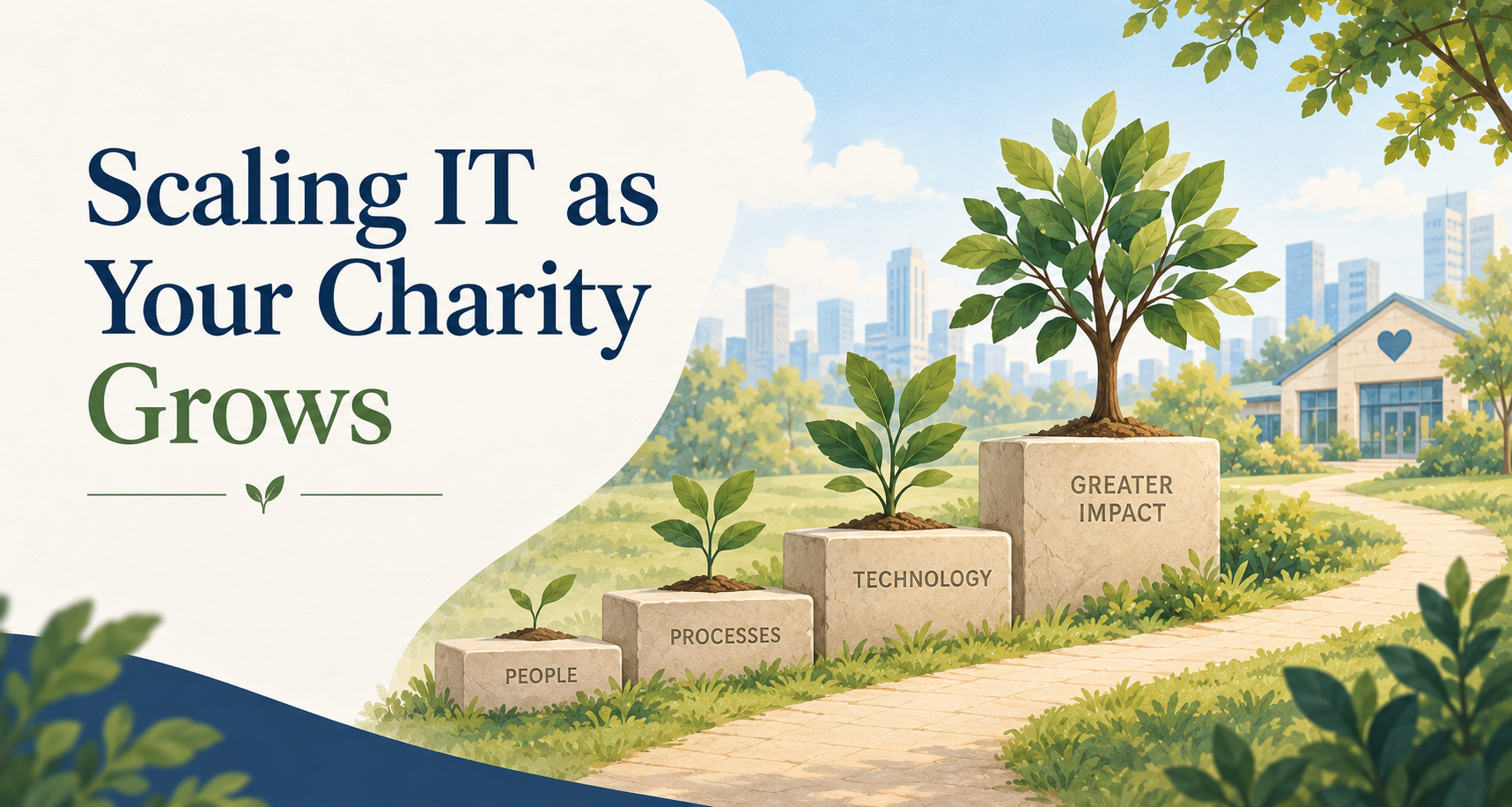
Growth is a good problem to have. More staff, more programs, more people relying on you means your organization is doing what it set out to do. But every stage of growth changes what you actually need from your technology, and it's easy to keep running on a setup that made sense a year or two ago without ever asking whether it still fits.
Most leadership teams find themselves circling the same few questions as they grow. When does our support model actually need to change? What should we be budgeting for IT as we add staff? How do we keep donor and client data secure as more people touch it? These aren't questions with a single universal answer, but there is a practical way to think through each one.
Plan for Growth Before You Need It
Most charities don't choose their IT setup so much as inherit it. A provider gets hired when something breaks, a plan gets signed because it covers what's needed that year, and nobody revisits it until something forces the conversation. That approach works fine when your organization is small and simple. It stops working the moment you add staff, systems, or locations faster than the plan around them.
The shift that matters here is treating IT as something you plan for, not something you react to. That's really the difference between break/fix support and managed IT: one waits for a problem to show up, the other is built to see it coming. As you grow, the cost of waiting only gets bigger, because there's more riding on every system you depend on.
Let Your Support Model Grow With Your Team
A support arrangement that made sense for twelve staff rarely stretches cleanly to thirty. More people means more tickets, more onboarding, more devices, and more of the small requests that used to be manageable on an ad hoc basis. At some point, the model itself needs to change, not just the amount of support inside it.
For some organizations, that means moving from a single internal IT contact to a co-managed setup that shares the load without losing the person who already knows your systems. For others, it means moving to fully managed support altogether. As a rough guide, this is often the point worth revisiting somewhere between 15 and 30 staff, when one internal person can no longer reasonably cover help desk requests, security, and long-term planning at the same time. There's no single right answer here, only the right fit for where your organization actually is, not where it was when the current plan was set up.
Build Systems That Bend, Not Break
A network built for one office and a handful of computers was never meant to support a second program site, a remote team, or staff who split their week between home and the office. Growth tends to add these pieces one at a time, a new location here, a few remote hires there, until the original setup is stretched well past what it was designed for.
The fix isn't necessarily a bigger version of what you already have. It's making sure the tools you rely on, cloud file access, video calls, shared drives, are built to work the same way whether someone is down the hall or three cities away. Standardized, well-documented systems are also just easier to support as they grow, which matters more with every new hire you bring on.
Scale Your Security Alongside Your Reach
Every new staff member, volunteer, and program adds another set of accounts, another point of access, another piece of the picture your organization needs to protect. Donor records, client files, and financial data don't get any less sensitive as your team grows. If anything, they carry more weight, because more people's trust is riding on them.
This is where structured onboarding and offboarding start to matter in a way they didn't when your team was smaller. A clear process for granting access when someone joins, and fully removing it when someone leaves, keeps growth from quietly turning into risk. In practice, that means keeping an actual list of who has access to what, and reviewing it on a set schedule, quarterly is a reasonable starting point, rather than trusting that everyone remembers to update it as people come and go. It's a small discipline that gets harder to maintain by accident and easier to maintain by design.
Build Growth Into the Way You Budget for IT
One of the more frustrating parts of growth is watching costs show up as surprises instead of showing up in a plan. A predictable, per-person pricing model changes that. For a Greater Vancouver charity with 15 to 35 employees, that typically works out to somewhere between $75 and $150 per person per month, which means adding a new employee comes with a cost you can put in a spreadsheet before you post the job, not one you find out about after the fact.
That predictability is worth more than it sounds like on paper. It means your leadership team can forecast technology costs alongside staffing decisions instead of separately from them, and it means growth stays something to plan for rather than something to brace for.
Where This Leaves You
Growth will always put new demands on your technology. That's not a sign anything went wrong, it's what happens when an organization is reaching more people and doing more of what it set out to do. The organizations that handle it well aren't the ones with the fewest changes. They're the ones whose IT was built to bend with those changes instead of against them.
If you're not sure whether your current setup can grow with you, that's a reasonable thing to want a second opinion on. And if some of this feels less like planning ahead and more like where you already are, these are the signs worth watching for.