
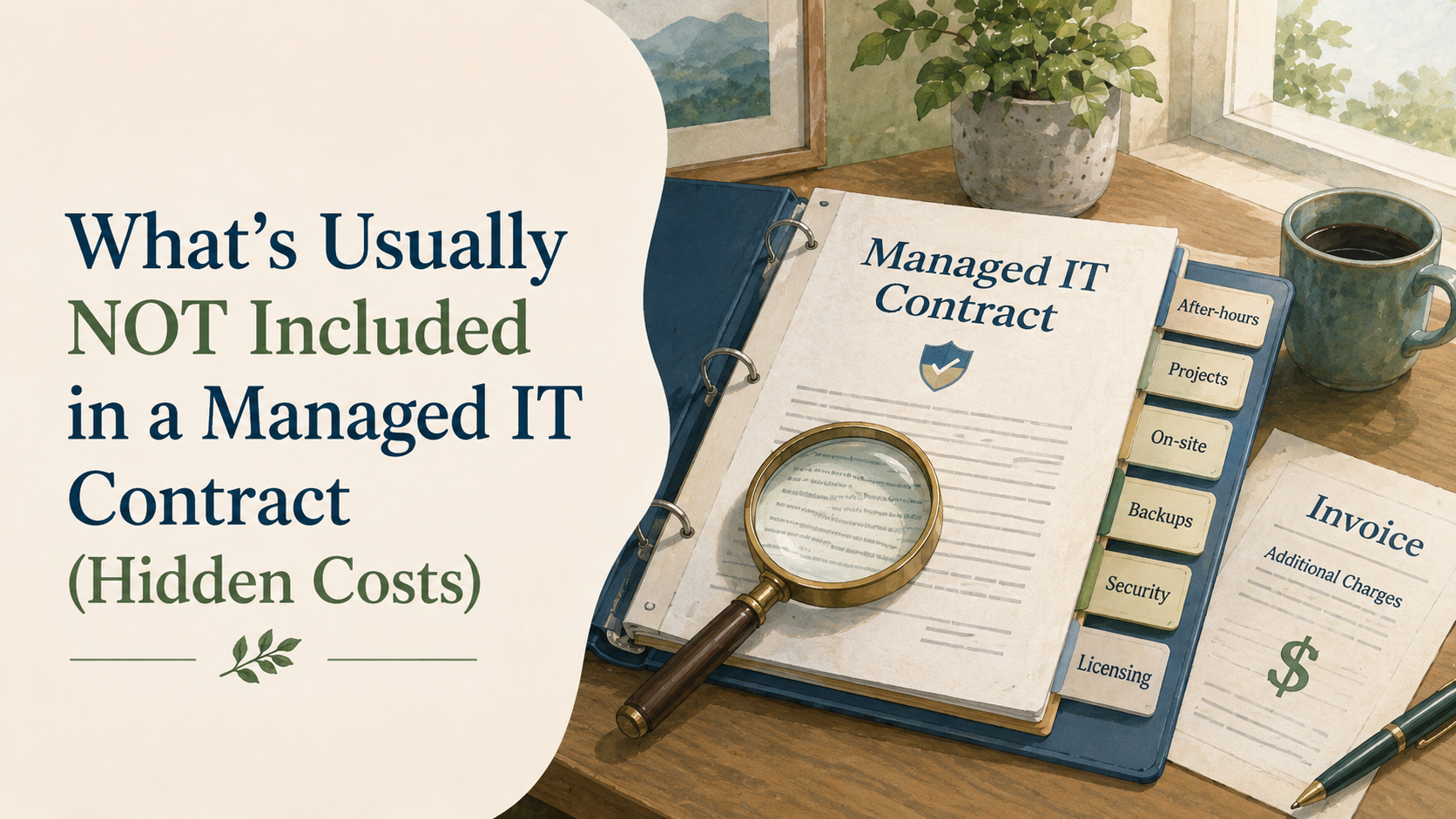
What “Not Included” Really Means
One of the nice things about managed IT is knowing roughly what your support will cost each month. That kind of predictability can make budgeting a lot easier, especially when there is not much room for unexpected expenses. But even with a good managed IT agreement, there will usually be a few things that sit outside the monthly fee.
That is completely normal. New computers, software licences, larger projects, or one-time changes may be billed separately, depending on the provider and the agreement. Knowing what to look for in a managed IT contract makes it much easier to compare your options and understand what your organization will actually be paying for.
Hardware and Equipment
Your managed IT fee usually covers the support around your devices, not the cost of buying new ones. So if a laptop needs replacing, a monitor gives up, or you need new network equipment for a growing team, those purchases will usually be separate.
That can be easy to overlook when you are comparing monthly IT costs. A 20-person charity may have a predictable support bill and still need to budget for several aging laptops in the same year. Those replacement costs are part of the bigger picture when you are working out what managed IT costs for a 20-person charity in Vancouver.
Software and Licences
Software costs can be another area where the monthly fee does not tell the whole story. Your IT provider may manage Microsoft 365, backups, security tools, Adobe, or other platforms for you, while the licences themselves are still billed separately.
That is why it is worth checking exactly what is bundled into the agreement and what your organization will continue paying for on its own. Some of those costs may also be reduced through nonprofit technology discounts programs, which can make a meaningful difference to the overall budget.
Major Projects and One-Time Work
Day-to-day support is usually part of a managed IT agreement, but larger projects are often handled separately. Things like a cloud migration, a server replacement, a major SharePoint project, or a larger technology upgrade may be quoted outside the monthly fee.
That does not make them unusual or unexpected, but it is worth understanding where your provider draws the line between regular support and project work. A clear agreement should make it easy to see which kinds of changes are included and which ones would come with a separate quote.
Onboarding and Cleanup
Starting with a new IT provider often involves some upfront work before regular support begins. That can include documenting your systems, installing management tools, reviewing accounts, and making sure everything is in a good place to support properly.
Sometimes that work is included in the agreement, and sometimes there is a separate onboarding fee. If the provider finds outdated devices, old staff accounts, or systems that need cleanup before they can be managed safely, that extra work may also be quoted separately.
After-Hours Support
Evening, weekend, and emergency support is another area where managed IT agreements can differ. Some providers include a certain amount of after-hours help, while others charge separately when support is needed outside regular business hours.
For many charities, this may only come up occasionally, but those occasions tend to matter. A fundraising event, weekend program, or late grant deadline can quickly become stressful if something stops working, so it is worth knowing in advance how after-hours support is handled.
Office Moves and Third-Party Costs
Some technology expenses sit outside the managed IT agreement because they involve other vendors or one-time changes. Office moves, new cabling, internet installation, phone services, and other third-party costs are often billed separately, even when your IT provider helps coordinate the work.
That coordination can still be valuable. If you are moving offices or changing providers, having one IT partner manage the technical details can save your team from juggling multiple vendors, while still keeping the outside costs clear and separate.
Security Services Outside the Base Package
Security is often included in some form, but the level of protection can vary quite a bit from one managed IT agreement to another. Basic tools may be part of the monthly fee, while things like security assessments, advanced monitoring, penetration testing, or compliance-related work may be priced separately.
You do not need to know every technical detail to compare your options. What matters is that your provider can explain, in plain language, what is included, what is extra, and why they are recommending it for your organization.
How to Compare Managed IT Quotes
When you are comparing managed IT proposals, the monthly price is only one part of the picture. Two providers can quote a similar amount and still leave you with very different costs once licences, projects, after-hours support, and one-time work are added in.
A useful way to compare them is to look at the full year, not just the monthly fee. Ask what is included, what is billed separately, and which extra costs are likely to come up based on how your organization actually works. If you know you are replacing several laptops, planning an office move, or expecting a larger technology project, include those costs in the comparison rather than treating them as a surprise later.
It also helps to look at how additional work is approved. A clear proposal should explain when you will receive a separate quote, when extra charges may apply, and whether your approval is needed before that work begins. That kind of clarity makes it much easier to compare providers fairly and build an IT budget you can actually rely on.
Predictable IT Costs Start With Clarity
A good managed IT agreement does not need to include every technology expense your organization will ever have. It does need to make the boundaries clear, so you know what is covered, what may cost extra, and what should be planned for separately.
That kind of clarity makes budgeting easier and gives you a much better way to compare providers. It also helps prevent those awkward moments where an invoice arrives and nobody is quite sure why the work was not part of the monthly fee.