
You’ve Signed the Agreement. What Happens Now?
Once you have chosen a managed IT provider and signed the agreement, there is usually a short transition period before everything starts to feel routine.
For your team, that may mean a few new support instructions, some questions about the systems you use, and occasional requests for access or information. Behind the scenes, your new provider is getting familiar with your environment so they can support it properly rather than making assumptions from day one.
A good onboarding process should not feel disruptive. Staff should still be able to work while the provider learns how your organization is set up, who is responsible for what, and which systems are most important to everyday operations.
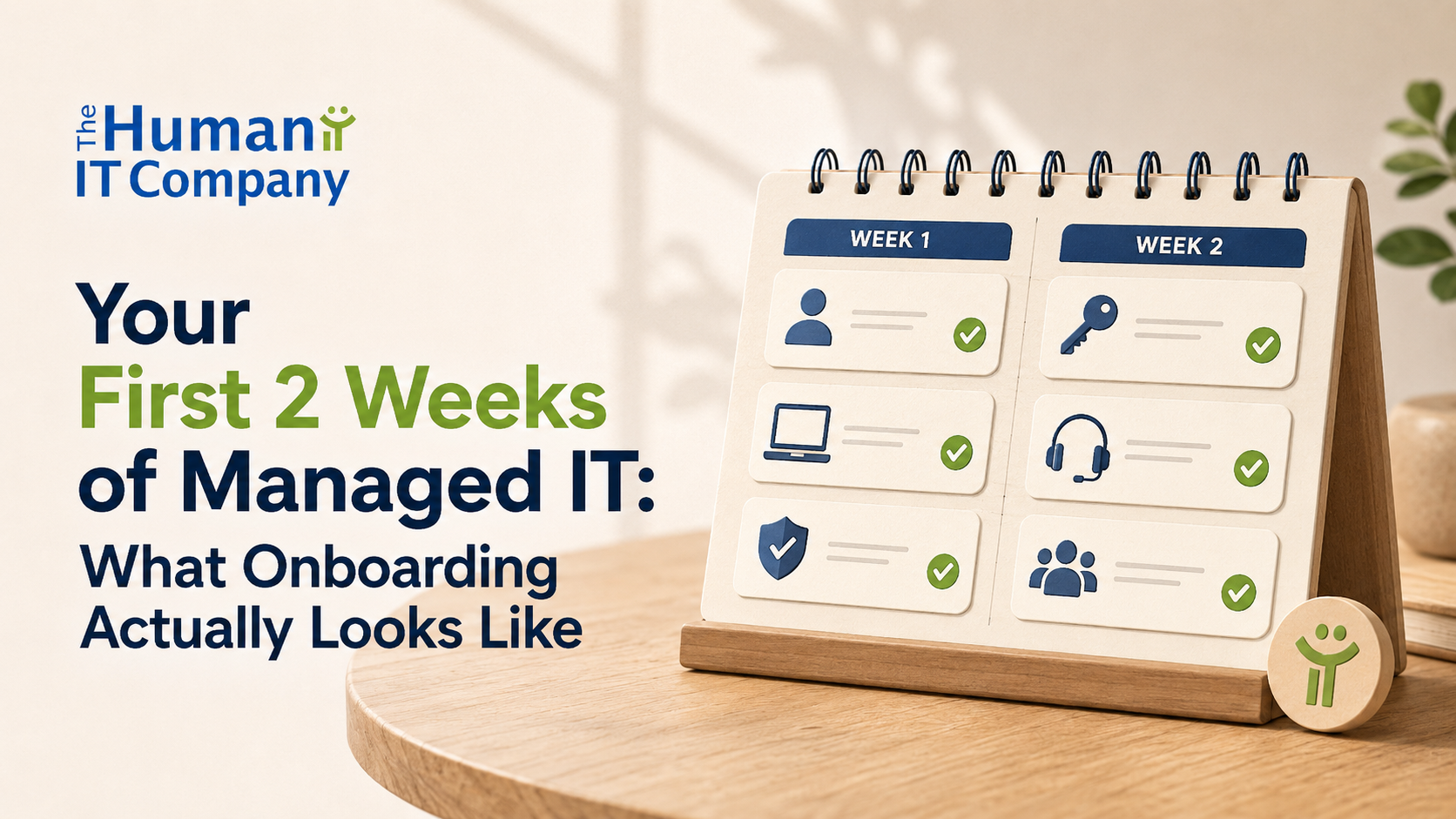
This transition is one part of building a successful managed IT relationship. The goal of the first two weeks is not to change everything at once. It is to make sure both sides understand how support will work and what needs attention next.
In the First Few Days, Expect Some Questions
One of the first things your new IT provider will probably do is ask a lot of questions. Some will be technical, but many are really about understanding how your organization works.
They may ask who should approve IT changes, which systems different teams rely on, where shared files are stored, who manages your website or internet service, and whether another provider or former staff member still holds administrator access. They may also need to understand which tools are especially important for fundraising, finance, programs, or day-to-day operations.
You may not have every answer right away, and that is normal. In charities and nonprofits, technology responsibilities can be spread across several people. A bookkeeper may know how the accounting system is set up, a former staff member may have managed the website, or a volunteer may still be the only person who knows how a certain account was created.
The important thing is not having perfect documentation on day one. It is making sure those gaps are identified so your new provider can start building a clearer picture of what your team depends on and where important access or information still needs to be tracked down.
Your Staff Should Know How to Get Help Early
One of the first changes your team should notice is a clear way to ask for IT help.
Staff should know how to contact support, what information to include, and what to do if something is urgent. If the process is changing from the previous provider, those instructions should be simple enough that people do not have to guess where to go when something stops working.
Your provider may also ask staff to complete a few small setup steps, such as installing a support tool, signing in again, restarting a device, or confirming that a computer belongs to the organization. These requests should come with enough context that people understand what they are being asked to do and why.
For hybrid teams, this matters even more. Remote staff should be included in onboarding from the beginning so they are not left with a different support experience simply because they are not in the office.
By the end of the first week, your team should have a basic answer to a very practical question: when I need IT help, what do I do?
Some of the Onboarding Work May Be Almost Invisible
Not everything happening during onboarding will be obvious to your staff. While your team is getting used to the new support process, your provider may be reviewing user accounts, devices, backups, licences, administrator access, file permissions, and other parts of the environment.
This is often where small inconsistencies start to surface. A former employee may still have an active account, a shared folder may have accumulated permissions over several years, or nobody may be quite sure who owns the login for an important service. None of these automatically mean there is a serious problem. They simply show why a new provider needs time to compare the information they were given with what is actually in use.
That review also helps reduce the amount of IT knowledge that lives only in someone’s memory. Over time, the goal is to create a clearer record of how your systems fit together so future support does not depend on tracking down the one person who happens to know how something was set up.
So if the first week feels relatively quiet, that can be a good thing. A lot of useful onboarding work happens in the background before it becomes visible in the day-to-day support your team receives.
You May Be Asked to Make a Few Decisions
As your new provider gets a clearer picture of the environment, they may find things that need a decision from your organization rather than a technical fix.
For example, they may need to confirm whether a former employee’s account should still be kept, who should have access to a finance folder, whether a volunteer still needs a licence, or who is allowed to approve a new user or device. These are not decisions an IT provider should make on your behalf just because they have administrator access.
This part of onboarding can be useful because it brings responsibilities that may have become informal over time back into the open. Instead of relying on assumptions, your team can clarify who should have access to what and who is responsible for approving changes.
It can also be a good time to review whether the licences you are paying for still match the people using them. A staff member who needs desktop Office apps may require a different Microsoft 365 plan than a volunteer who only needs limited access, so nonprofit Microsoft 365 pricing and licensing makes more sense when it is tied to real roles rather than treated as a one-size-fits-all cost.
Don’t Expect Every Old IT Issue to Be Fixed in Two Weeks
The first two weeks should give your new provider a much clearer understanding of your environment, but that does not mean every existing IT issue will be resolved by the end of onboarding.
The review may uncover outdated devices, old accounts, unclear file permissions, unsupported software, or systems that need more work than anyone realized at the start. Some of those issues may be quick to clean up. Others may need separate planning, budgeting, or coordination with another vendor.
What matters is that these items are identified and explained clearly. Your organization should know what needs attention now, what can wait, and whether any larger work falls outside the normal scope of support.
This is also where clear expectations in the original agreement make a difference. When onboarding responsibilities, project work, and additional costs are already spelled out, it is easier to separate routine transition work from something that needs a separate discussion. Those details are worth checking carefully when reviewing IT contract terms before you sign.
By the End of Two Weeks, Things Should Feel Clearer
By the end of the first couple of weeks, your organization may not have every improvement finished, but the support relationship should feel much more settled.
Your staff should know how to get help. Your provider should have a working understanding of the main systems, users, devices, and vendors your organization depends on. Important administrator access should either be in place or clearly identified as something that still needs to be transferred.
You should also have a better sense of what needs attention next. That might include old accounts to clean up, devices that need replacing, licensing changes, or larger projects that should be planned separately rather than quietly folded into day-to-day support.
The real sign of a good onboarding process is not that every technical issue has disappeared. It is that there is less uncertainty about who is responsible for what, what still needs attention, and how your team will get support going forward.